App UI Kit
The extended design system for Queensland Government products and platforms, optimised for task-based experiences.
- Client
- Queensland Government (Design System)
- Role
- Senior Product Designer
- Team
- Solo + peer review
- Timeframe
- 3 months, 2024–2025
- Platform
- iOS, Android, web app
Problem
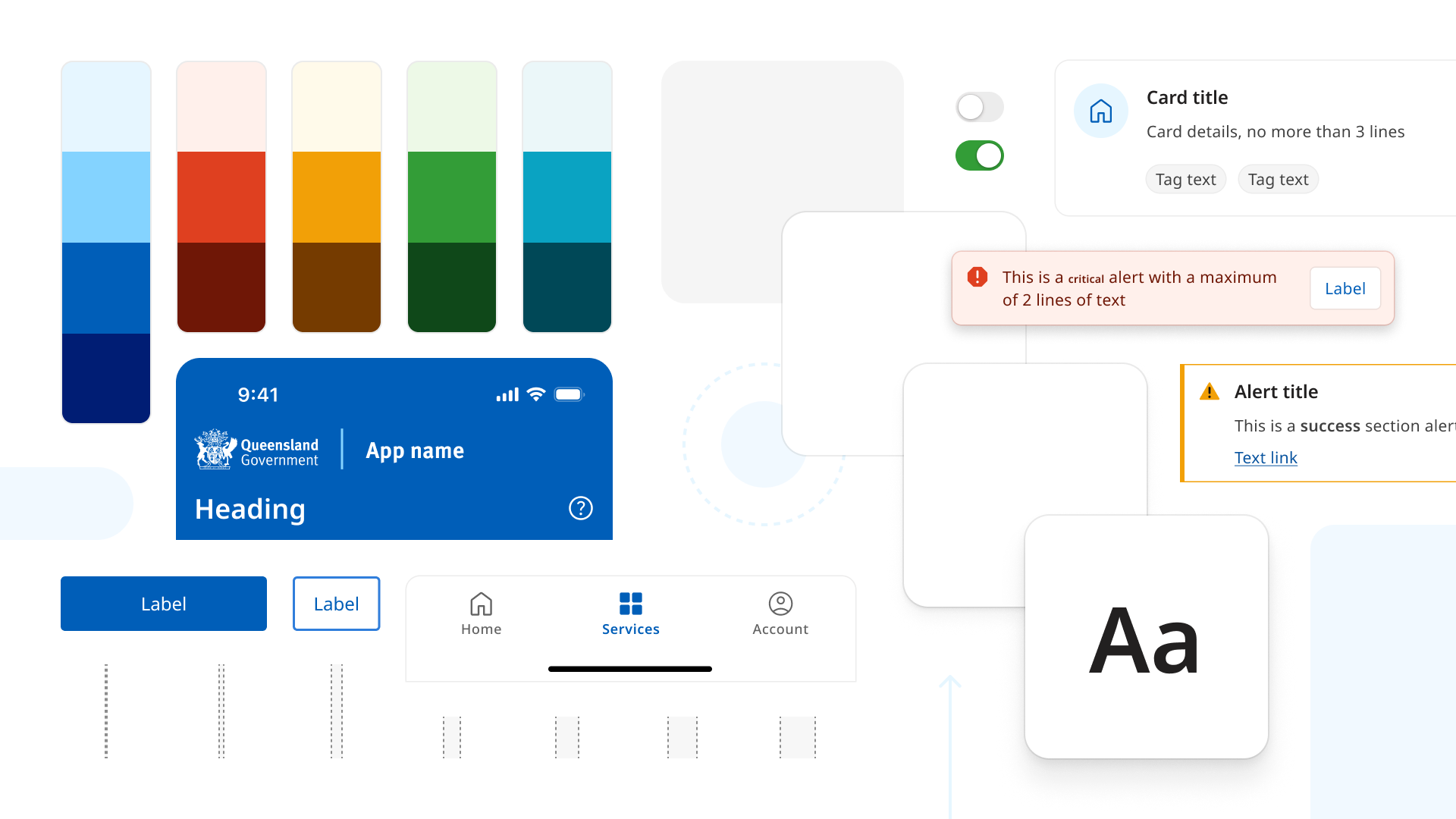
QGDS was built for content-driven, browse-and-explore experiences: navigating topics, reading, finding things. Applications are task-based: logging in, completing forms, managing credentials, tracking progress. The patterns that support scanning a page don't support completing a multi-step transaction.
What I did
- Led the build of the Application UI Kit, 20+ new and extended components, now in beta for experimental use across whole of government
- Rebuilt the foundations for a product context: colour, elevation, typography and spacing
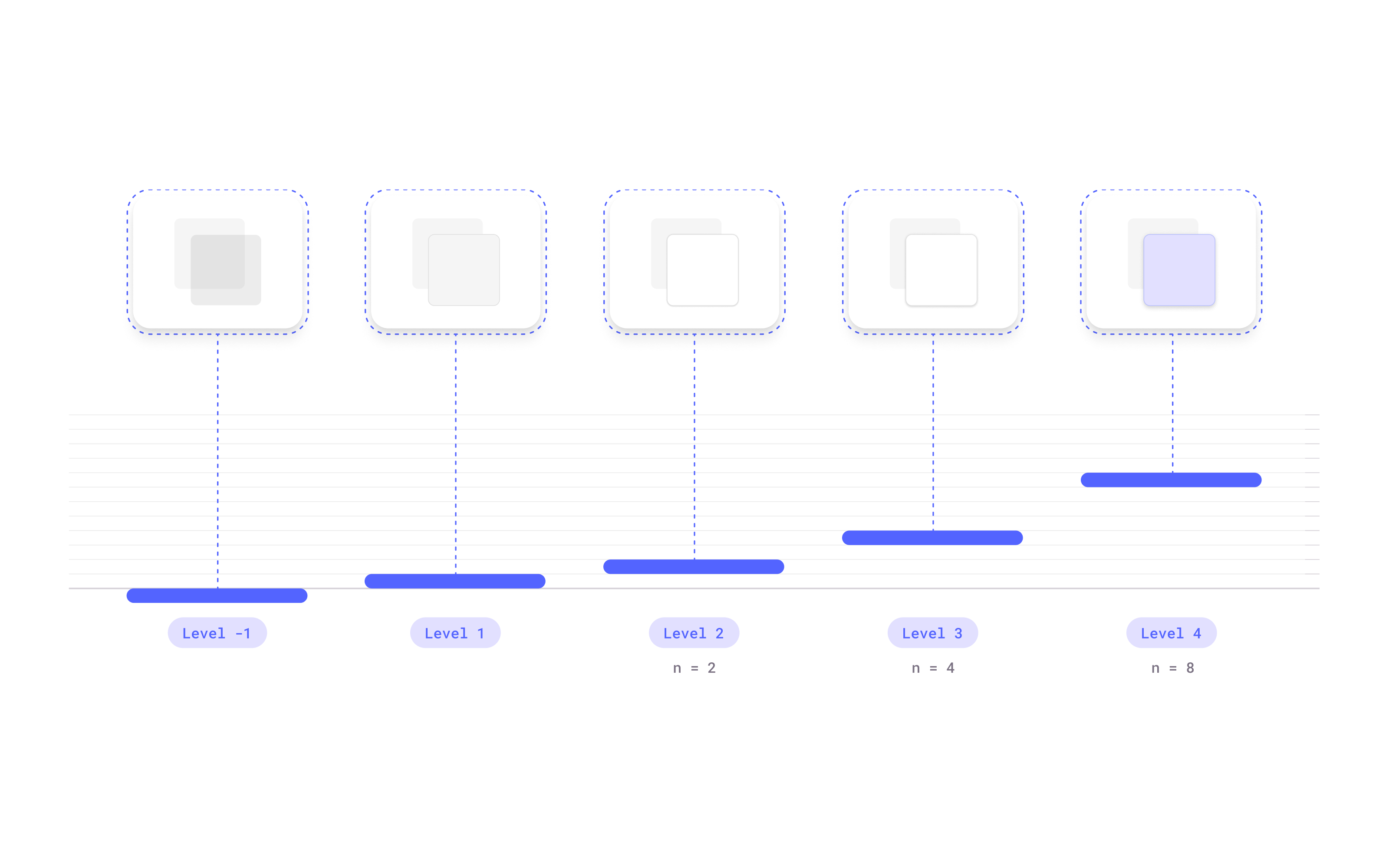
- Designed a new elevation model from scratch, replacing box-shadow with layered spatial logic
- Pressure-tested the kit against four government products to separate shared patterns from product-specific customisation
Streamlining colour
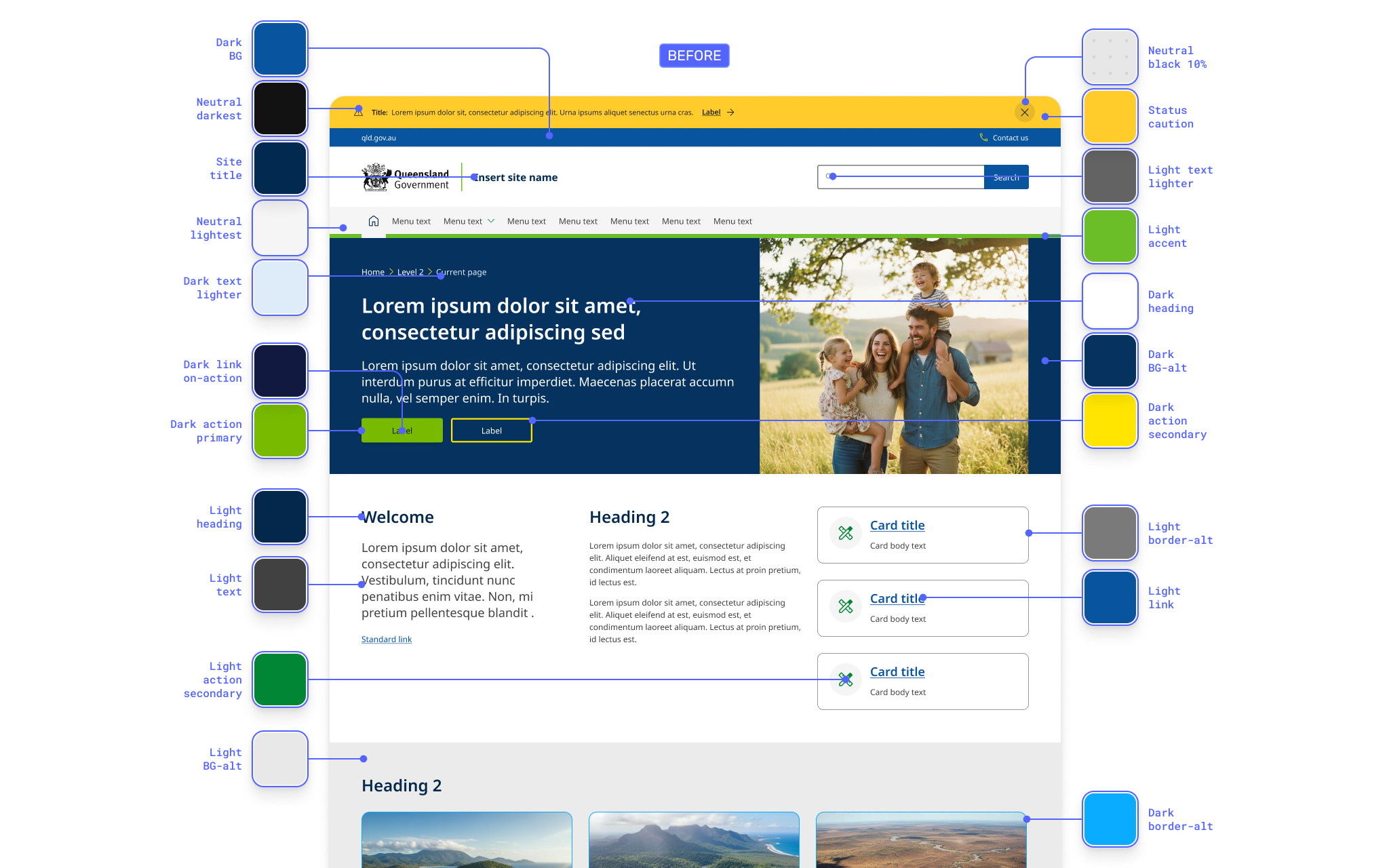
Colour had been designed for flexibility: marketing campaigns and branded microsites across dozens of agencies. That works on content sites, where visual differentiation helps users orient across departments. In a dense, interactive UI it becomes a liability. I stripped the palette back so colour communicates state and hierarchy, not brand personality.
Browsing vs doing
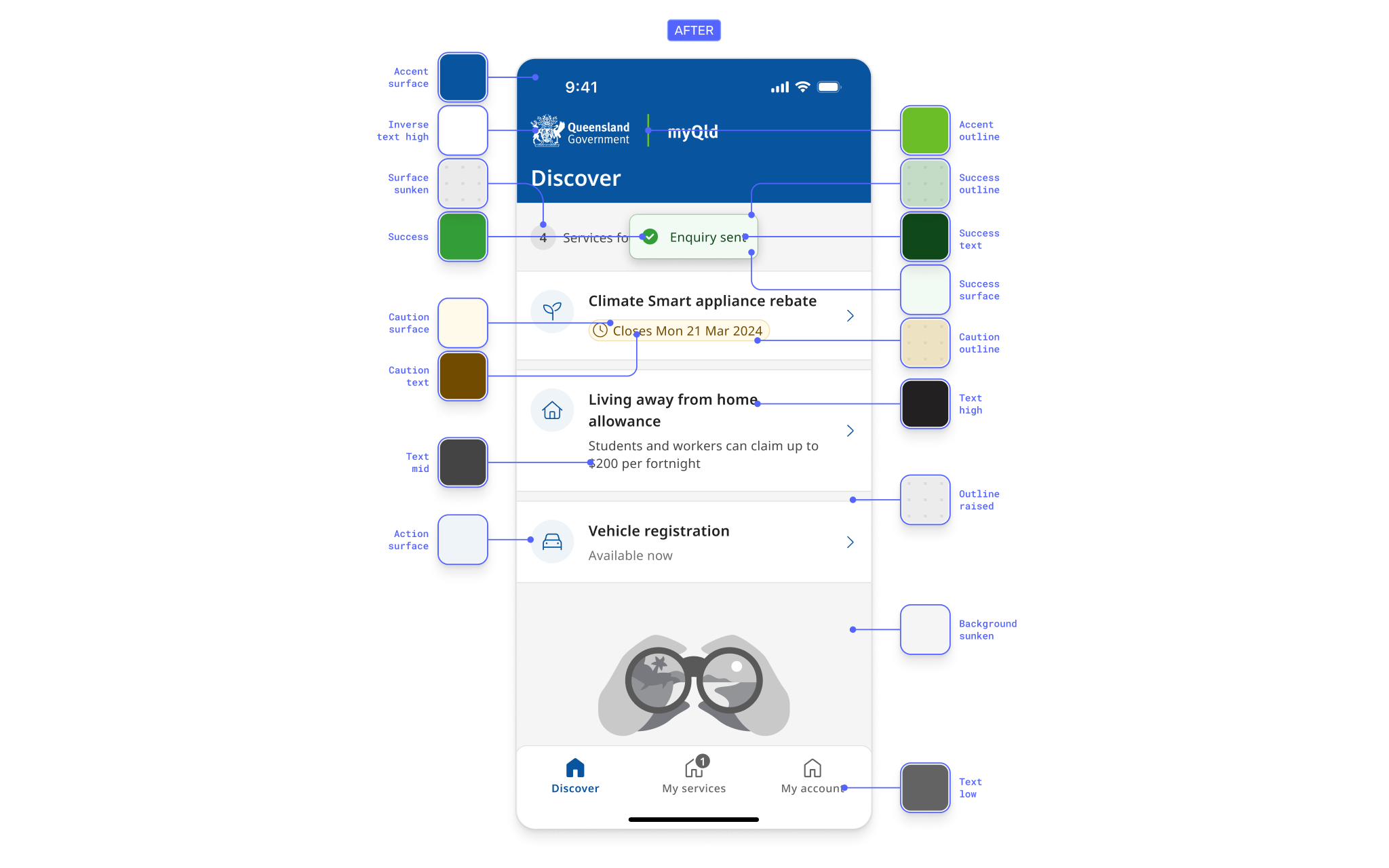
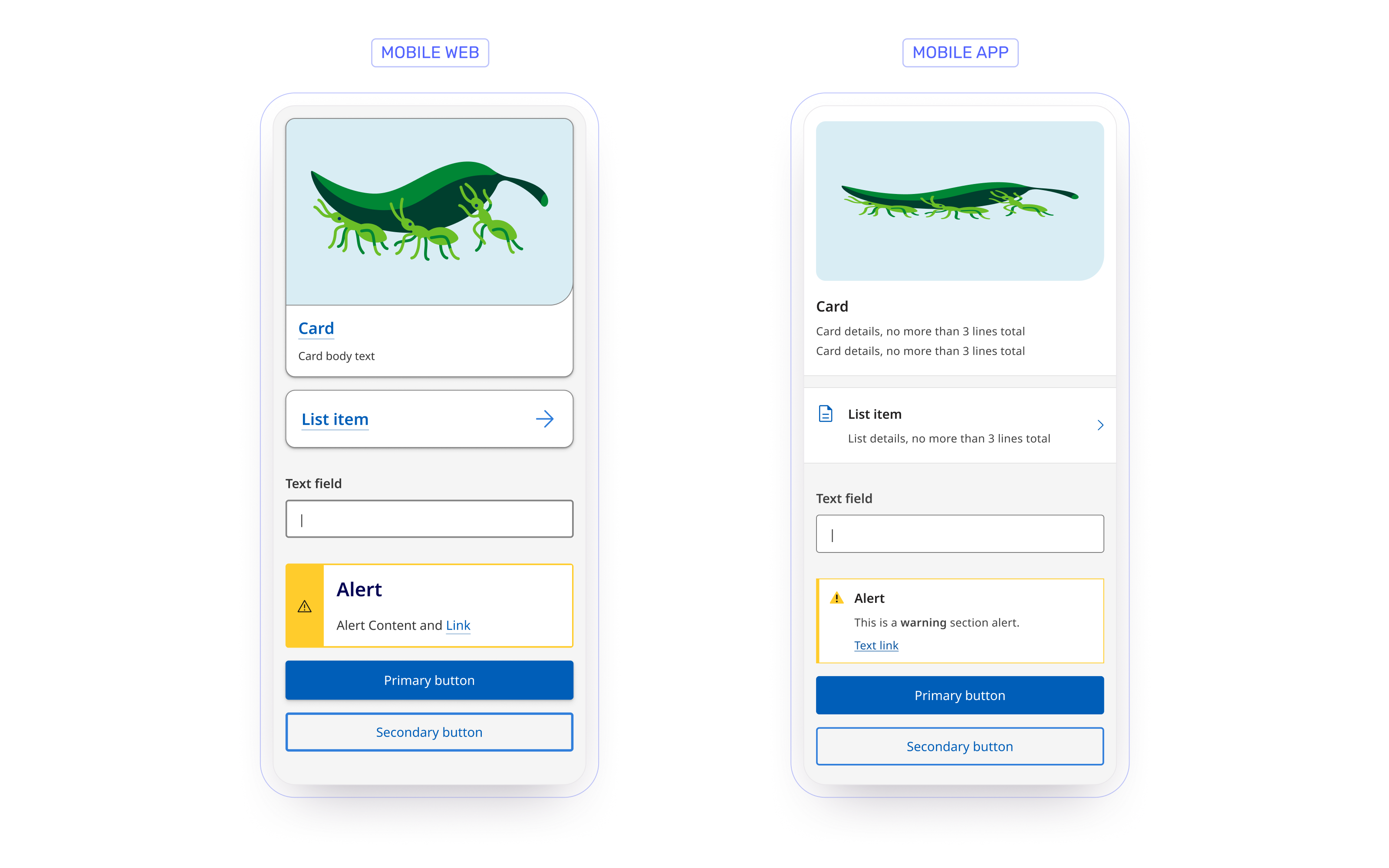
The project started inside myQld, the first time QGDS components were officially applied to a product context. The gaps weren't about screen size, they were about interaction model.
Uplifting elevation
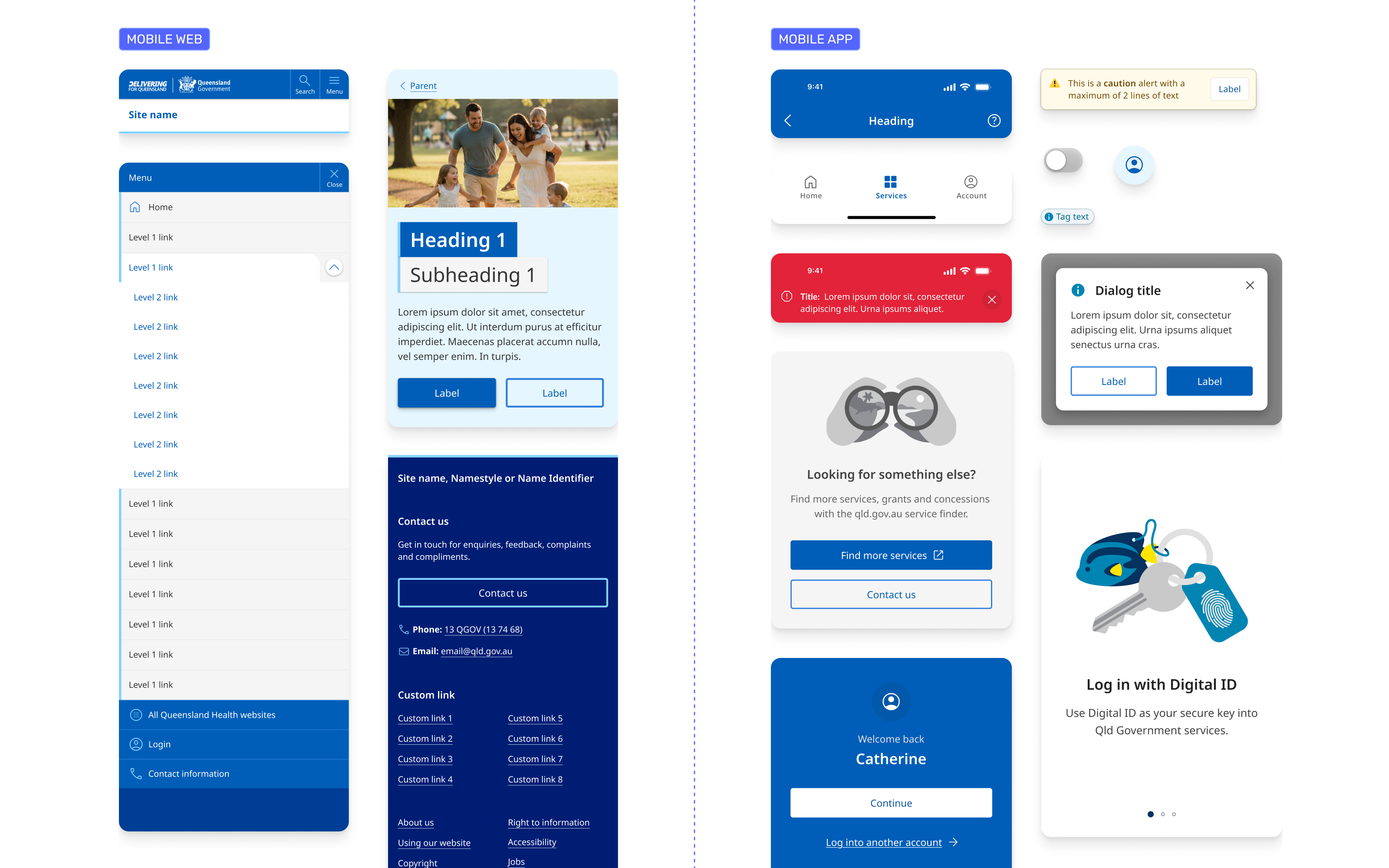
The web system defined elevation almost entirely through box-shadow, which was enough for cards on a content page. Applications layer differently: modals over content, nested menus, persistent navigation at fixed depths. I built a new model from scratch using shadow, colour, layering and spatial relationships together, so depth communicates flow and supports wayfinding.
Typography & spacing
Both scales had been calibrated for long-form reading at desktop distances. Applications need denser information architecture, tighter interaction patterns, and touch targets that meet accessibility requirements without crowding the interface. I reworked both for that context.
Defining the components
The obvious calls were easy. System bars, persistent navigation and app chrome clearly needed new patterns. The hard ones were cards, lists and buttons, where the visual difference from the web system was subtle. They looked almost the same, so every deviation needed justification grounded in interaction model, not preference.
The principle I settled on: follow platform conventions for interaction, adapt the QGDS visual language for identity. Apple's HIG, Material Design and consumer apps like Uber were the reference points.
Scoping through real use cases
A kit shaped by one product would only ever serve that product. I pressure-tested the component set against four: TMR's digital licence app (credential-focused), Education's QParents (notification-heavy), myQld (transactional), and QChat (input-driven with dynamic content). Cross-referencing them determined what belonged in the shared kit versus what was product-specific.
Outcome
The Application UI Kit is in beta, available on request through the QGDS team, and in early adoption across QChat, TMR's digital licence app, Education's QParents app, and the TransLink app. It started as a side effect of one project and became the foundation for how Queensland Government approaches product design at scale.